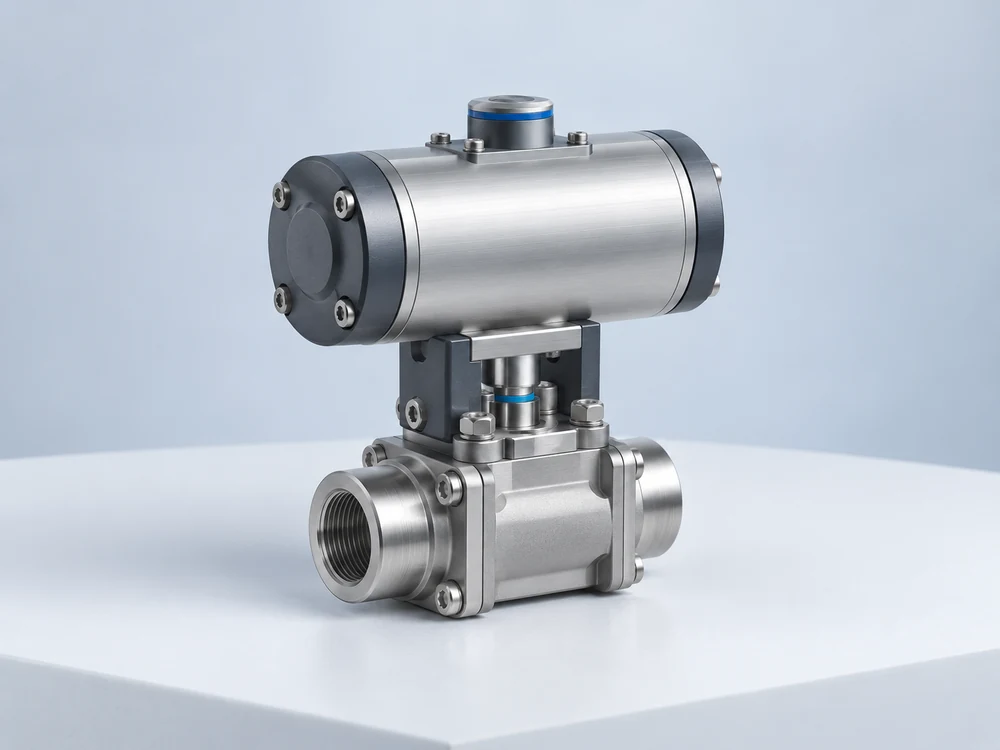
WEBSITE DISPLAY
Industrial product presentation
Bring structure, craftsmanship and details into your product pages.
YOUR 3D ASSET WORKSPACE
From design files to interactive experiences. Organize assets, explore models and bring your products to more places with your team.
ORGANIZE · PREVIEW · COLLABORATE · SHOWCASE
Design asset importImport models and product resources
Interactive 3DExplore details in your browser
Assets & versionsKeep every update organized
Workspace permissionsCollaborate with clear access
MADE TO BE EXPLORED
Different products. Different possibilities.
make form, structure and detail part of the experience.
WEBSITE DISPLAY
Bring structure, craftsmanship and details into your product pages.

DESIGN & CREATION
Preserve the expression of your designs, from form to material.

PRODUCT EXPERIENCE
Bring materials and finish to life, making product details part of the experience.
ONE WORKSPACE. EVERY VERSION.
Your files, versions and team, together.
Open your asset workspaceKeep models, images and documents together. Preserve version history and give your team a shared source of assets.
STEP uploads automatically generate a preview. Rotate and zoom to inspect structure and product details in your browser.
Link assets to a connected website. Bring 3D models into your pages with the WordPress plugin and shortcodes.
CONNECTED BY DESIGN
Organize your 3D assets around websites, creative workflows and product experiences.
Commerce display
A standalone product-model extension with SKU, variation and placement support, sharing one website connection with the WordPress plugin.
Website display
Upload or link assets through the plugin and display 3D models with a shortcode. Website displays follow the current asset version.
Design & creation
A creative workflow for organizing 3D files, versions and team resources.
CAD design
Import STEP models and upload parts and assemblies with asset version updates.
Commerce display
A commerce scenario for organizing product models and 3D display content.
Sharing & communication
Share 3D models by link for customer presentations and design discussions, with password protection and expiry options available by plan.
FROM FILES TO EXPERIENCES
Organized assets. Visible details. Clear collaboration.